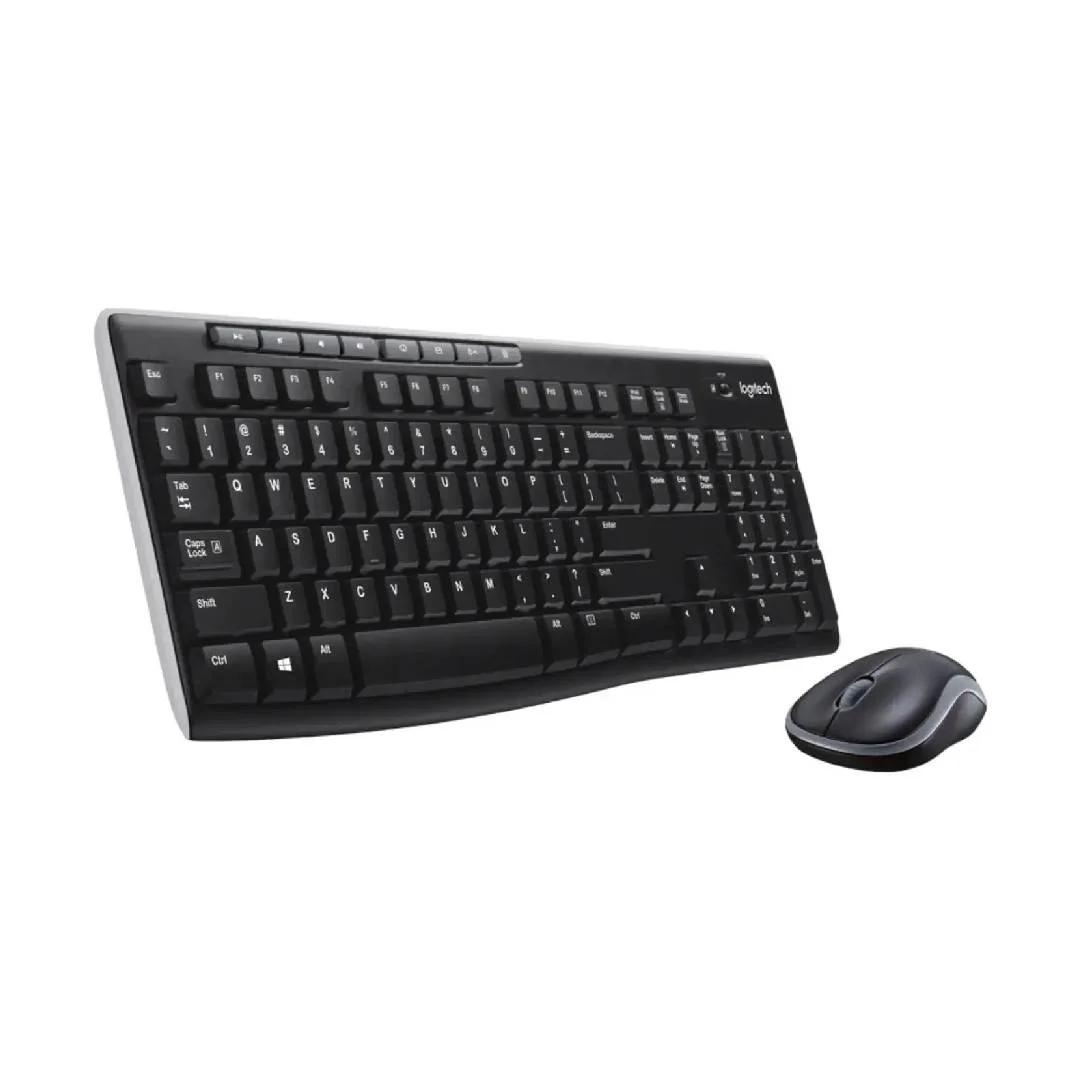
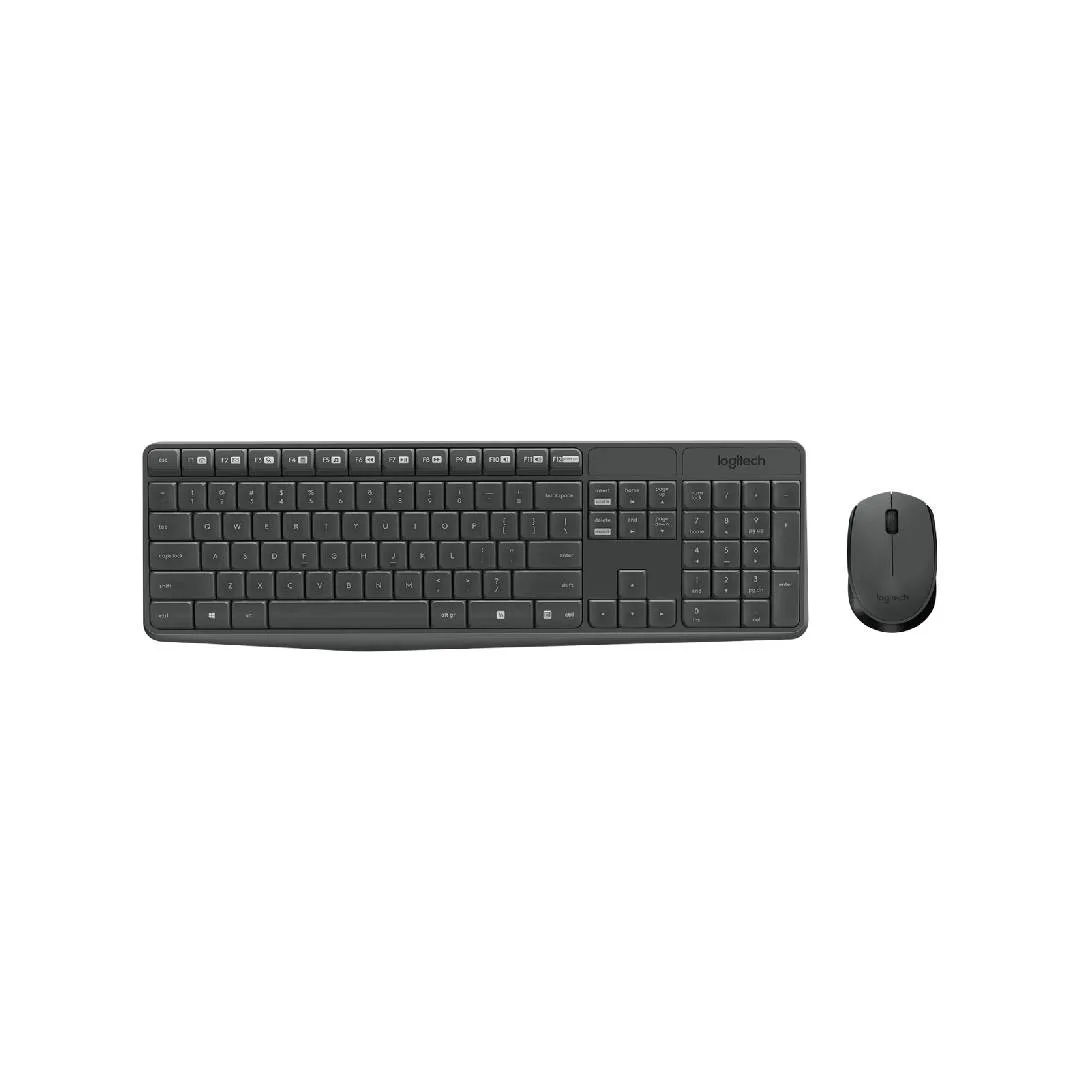
Logitech MK235 Wireless Keyboard and Mouse ComboA durable, user-friendly combo designed for seamless performance with a focus on comfort, simplicity, and cleanliness. Built to Logitech’s quality standards, this set is ideal for long-term use.Key FeaturesKeyboardSpill-resistant design (tested for up to 60 ml spillage).15 function keys and a 10-key number pad.Tilt legs for adjustable height.Battery life: Up to 36 months (2 AAA batteries included).MouseSmooth optical tracking with 3 buttons.Line-by-line scrolling with a 2D scroll wheel.Battery life: Up to 12 months (1 AA battery included).Built-in power On/Off button.SustainabilityMouse made from 75% and keyboard from 51% post-consumer recycled materials.What’s in the BoxKeyboard (with 2 AAA batteries)Mouse (with 1 AA battery).USB receiver.User documentation.How to Connect Logitech Wireless Keyboard MK235 to a LaptopPlug the USB receiver into an available USB port on your laptop.Your keyboard and mouse will automatically connect, providing a reliable connection up to 10 meters (33 feet) away.Why is my Logitech MK235 keyboard not working?Low or Depleted Batteries: Replace the AAA batteries in the keyboard.Outdated Drivers or Software: Update the keyboard driver or Logitech software.Wireless Connectivity Issues: Ensure the USB receiver is securely connected and within range.How to Reset Logitech MK235 KeyboardTurn off the keyboard.Remove the batteries.Hold down the “ESC” key for a few seconds.While holding the key, reinsert the batteries.Release the “ESC” key and turn the keyboard back onIs the Logitech K235 keyboard unifying?No, the Logitech MK235 keyboard is not unifying. It does not support Logitech’s “Unifying Technology,” so the Unifying Receiver will not work with this model.How do I get my laptop to recognize my Logitech keyboard?Enable Bluetooth on your device and search for available devices. Select your Logitech keyboard, enter the provided code, and press Enter to complete the connection.